


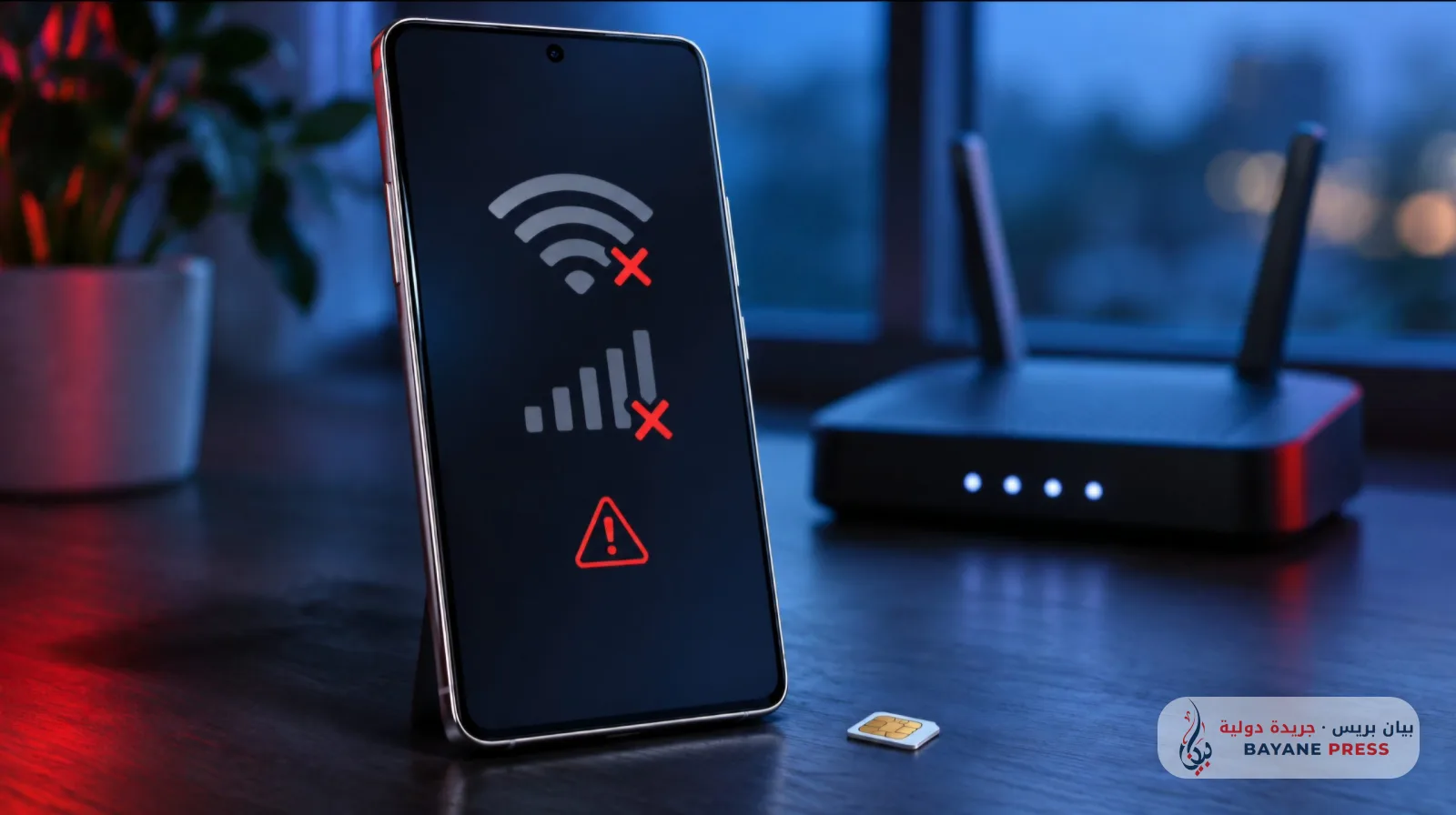
The «One UI 9» update has sparked complaints among some Samsung «Galaxy» phone users, who reported disruptions in internet and mobile data connectivity, with some cases escalating to the device failing to recognize SIM cards. User posts document these complaints, but they are insufficient to determine the scale of the malfunctions or to confirm that the update is responsible for all reported cases.
Discussions within the Samsung community reveal varying symptoms across devices; some users reported that their phones could no longer connect to home networks after the update, while others reported intermittent mobile data. In one complaint, connectivity issues were limited to the five gigahertz Wi-Fi band, which is a home wireless network frequency distinct from the 5G cellular network.
In a more severe case, a «Galaxy A56 5G» owner stated on Reddit that the device stopped recognizing both SIM cards after installing the update, and the SIM management page became inaccessible despite the operators' names appearing. They added that attempts to reset network settings did not resolve the issue. This remains a user testimony, not the result of an independent technical examination.
However, a review of the same discussion reveals a detail that warrants caution: a «Galaxy A36» owner reported a similar issue despite not having installed «One UI 9», while others confirmed their phones were functioning normally. This implies that similar symptoms do not prove a single cause, and compiling a definitive list of affected devices requires a technical investigation that goes beyond aggregating comments.
The complaints coincide with the rollout of the new interface. Samsung clarifies in its official notice that update schedules and available features vary by country, model, and carrier, and that distribution may be temporarily paused if an urgent fix is required. However, this general warning does not constitute an announcement of a halt to the update due to current complaints.
For those affected, Samsung's general guidelines include trying to restart the phone and the router, verifying network functionality on other devices, and then using the connectivity tests within the «Samsung Members» application. The company also recommends sending an error report within five minutes of the issue occurring, including system logs to assist the support team in diagnosing it. These remain diagnostic and support procedures, not a guaranteed fix for the malfunctions reported after the update.


Comments (0)
No comments yet. Be the first to react!