


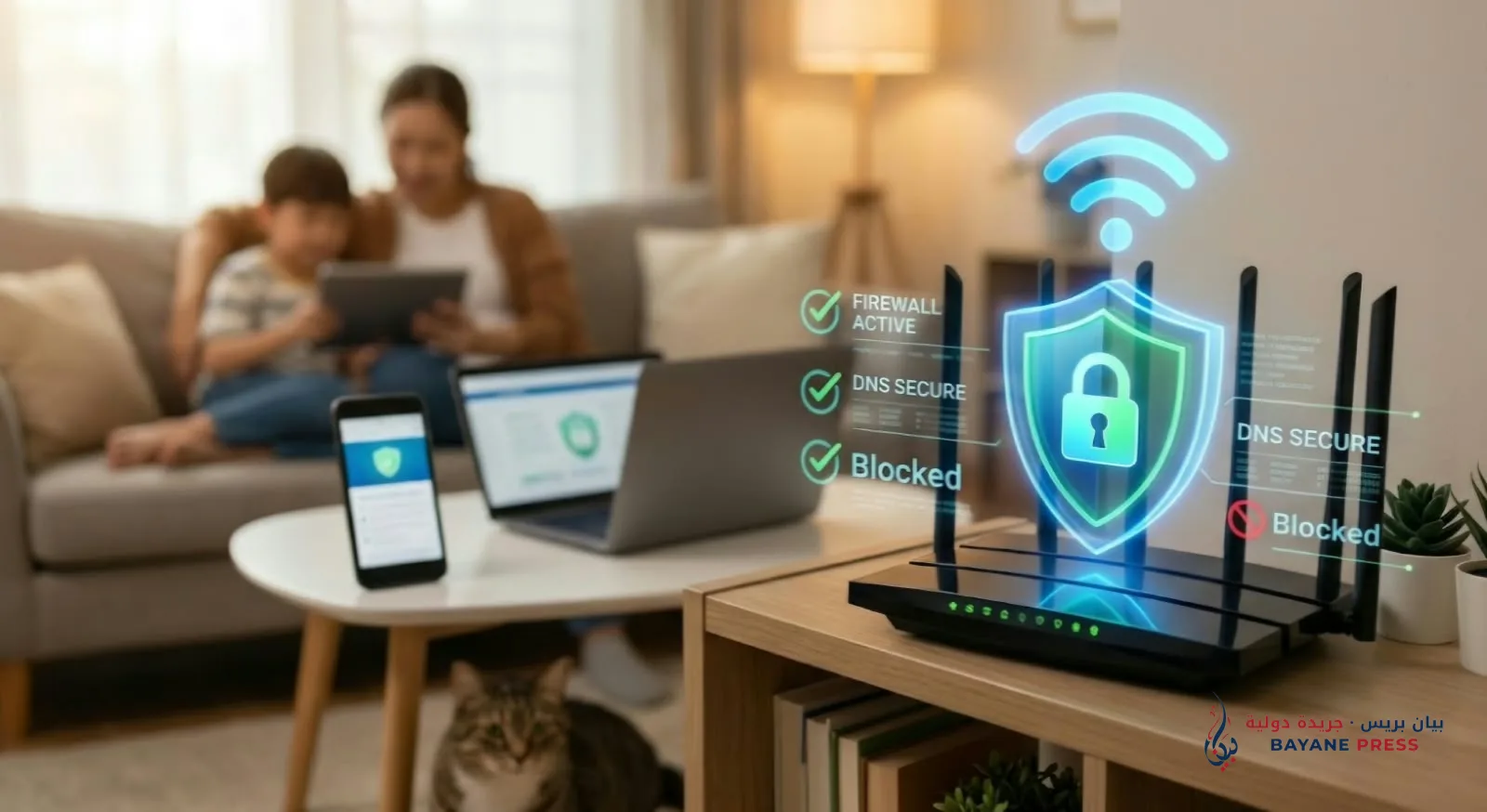
The router represents the main gateway through which all data and information of family members travel into the digital world. Leaving this device with its factory settings exposes it to a double danger: on the one hand, the infiltration of intruders to steal internet speed or spy on privacy; on the other, the influx of inappropriate content and pornographic sites onto the screens of phones and computers connected to the network. Securing and purifying this digital gateway does not require complex technical expertise or the hiring of specialists, but is based on simple, straightforward steps that any user can apply in a few minutes from a phone or computer browser to achieve a completely secure and clean digital environment.
The security journey begins by accessing the router's control panel, opening any internet browser, and typing the local protocol address in the upper address bar, which is usually the number 192.168.1.1 or 192.168.0.1, and can be confirmed by looking at the label located on the back of the router itself. When the login page appears, the system requests the default username and password, which are usually the word admin in both fields. Here lies the first and most important defensive step: one must immediately head to the system administration or accounts section within the control panel to change the default password of the configuration page itself to a strong and unique key. Keeping it in its original state grants anyone connected to the network or using random scanning software total control over the device and the ability to expel the rightful owner.
After closing the control panel door to intruders, attention shifts to securing the Wi-Fi signal itself by heading to the wireless network settings, known as WLAN. First, it is necessary to select the highest available data encryption standard, which is WPA2-PSK or the newer generation WPA3, activating the AES encryption algorithm, as older encryption standards can be easily cracked in seconds using widespread mobile applications. Concurrently, the wireless network should be assigned a password of at least 12 characters combining uppercase and lowercase letters, numbers, and special symbols, completely avoiding the use of phone numbers or personal dates. For greater robustness, the network name broadcast option known as SSID Broadcast can be disabled so that the network remains completely hidden from the eyes of neighbors and passersby, preventing anyone from connecting unless they know its exact name and password.
One of the most serious vulnerabilities that most users overlook, and which constitutes the main cause of home network piracy despite a strong password, is the quick connection feature known by the abbreviation WPS. This is a technology designed to facilitate connecting devices to the router using a code of just 8 digits. The problem with this feature is that hacking programs can guess this short numerical code in record time, access the network, and bypass the password no matter how complex it is. Therefore, looking for the WPS tab within the Wi-Fi settings and disabling it completely is equivalent to closing the backdoor through which hackers infiltrate. It is also advisable to activate the built-in firewall in the router, known as Firewall, and set the maximum limit of allowed devices on the network to match the actual number of family members' devices, thereby preventing any foreign device from finding a free slot even if it has obtained the password.
Once the construction of this security fortress against intrusions is complete, the step of purifying content and blocking pornographic websites from the root arrives, without the need to install control software on each phone or computer separately. This is done smartly and simply by modifying the domain name server numbers (known by the abbreviation DNS) within the local area network (LAN) settings or the DHCP section of the router. Instead of relying on the usual service provider servers that allow all sites to pass unfiltered, the user replaces them with free, global server numbers designed for family protection that automatically filter the internet. Among the most prominent and fastest is the Cloudflare Family service, activated by typing the number 1.1.1.3 in the primary server field and 1.0.0.3 in the alternative; the famous OpenDNS service by typing 208.67.222.123 in the first field and 208.67.220.123 in the second; as well as CleanBrowsing, which offers strict protection and enforces safe search on search engines by entering the number 185.228.168.168 and the alternative number 185.228.169.168.
In addition to changing server numbers, most modern routers offer an additional tool called parental control or URL Filter within the security section, which allows the user to type specific keywords or specific website links so that the router blocks access to them immediately whenever a browser attempts to visit. Once the introduction of these security and control settings is finished, all that remains is to click the save button, restart the device from the menu, and clear the cache memory of the browsers on the connected phones. Thus, the home network will start operating with its new rules immediately, combining full speed—which is no longer consumed by intruders—with a clean and safe environment that protects minds and privacy twenty-four hours a day.




Comments (0)
No comments yet. Be the first to react!